@axint/healthkit-log
Log a health reading to Apple Health from a Siri phrase or Shortcut.
axint add @axint/healthkit-log
What it does
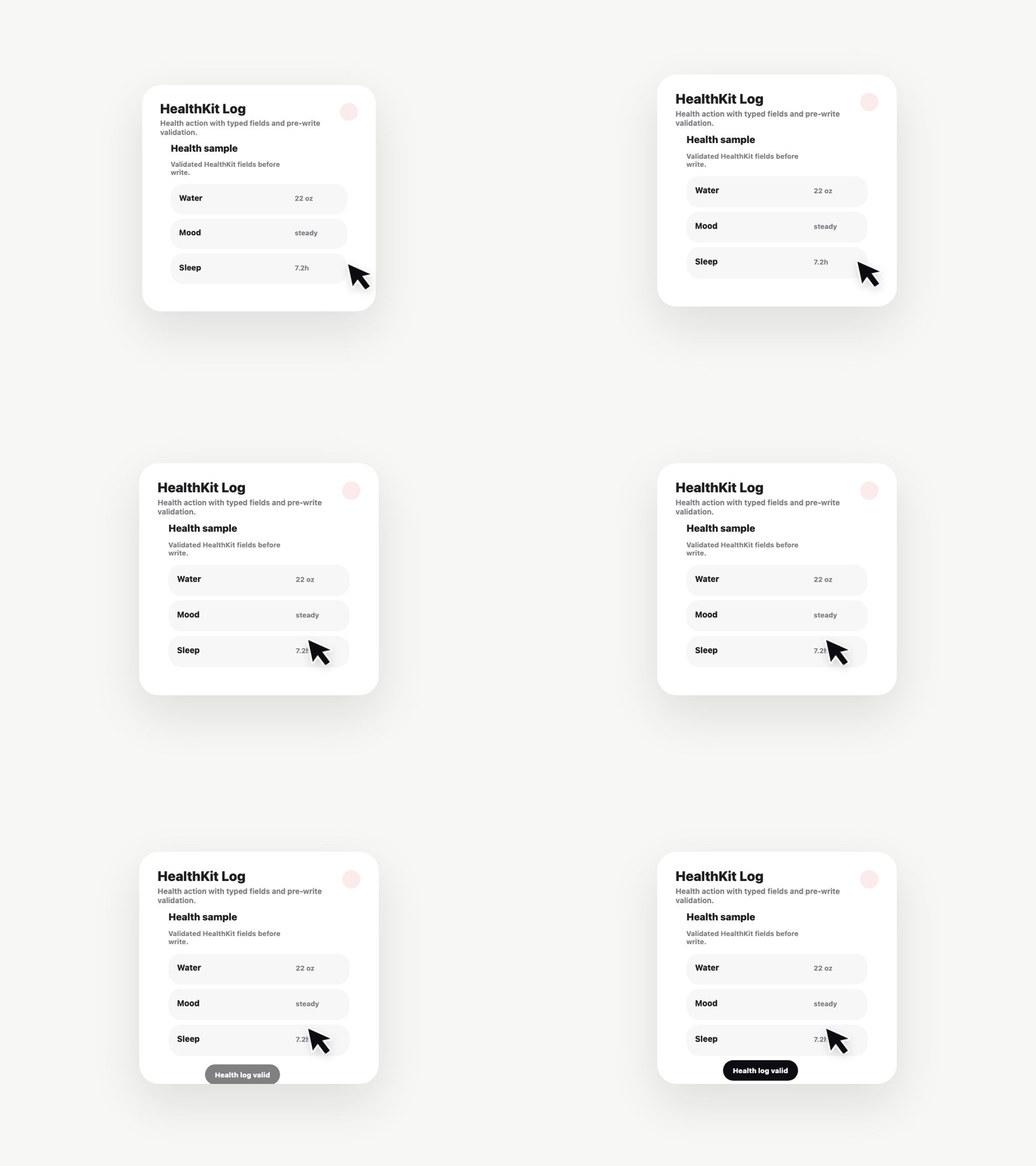
One App Intent that writes to HealthKit. Pass a metric name, a value, and optionally a unit and notes string. The intent returns a confirmation the user hears back from Siri.
Supported metrics out of the box:
weight— pounds or kilograms, auto-detected from localeglucose— mg/dL or mmol/Lheart-rate— BPMbp-systolic/bp-diastolic— mmHg
What you get
Compiling this template through Axint produces:
LogHealthMetric.swift— the App Intent conformanceInfo.plist.fragment— HealthKit usage descriptions- A valid entry for
INIntentsListin your app's Shortcuts metadata
Permissions
Your host app must request both NSHealthShareUsageDescription and NSHealthUpdateUsageDescription in its Info.plist. The plist fragment emitted alongside the Swift output includes these with safe defaults you should customize.
Integration
Pair with @axint/ios-shortcuts-donator (coming soon) to donate the intent to Shortcuts on first run, so the user sees it in the Shortcuts gallery without manual setup.
License
Apache-2.0