@axint/permission-primer-view
SwiftUI permission primer for Apple capability requests before the system dialog.
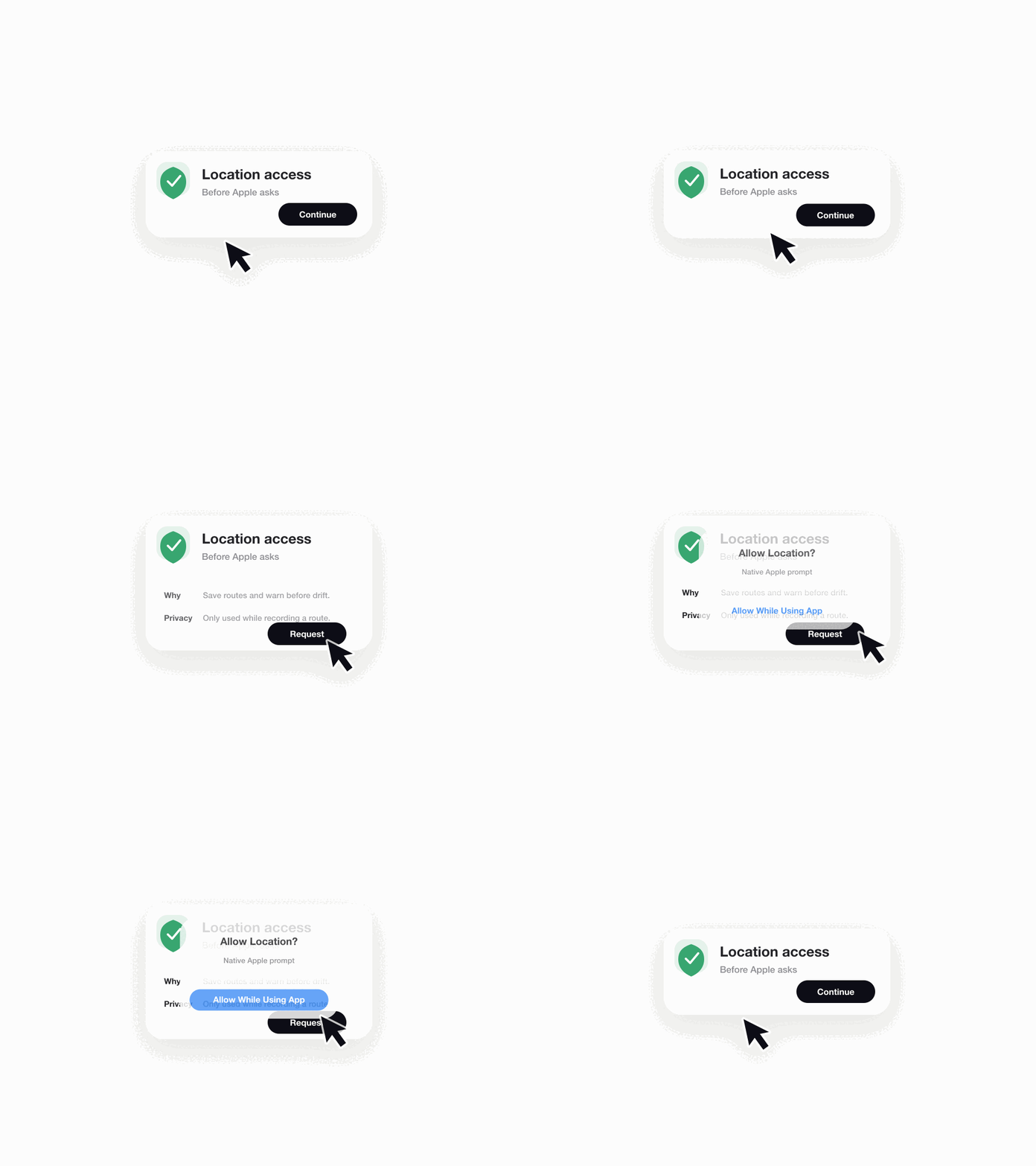
axint add @axint/permission-primer-view
What it does
Use this component before asking for a protected Apple capability: camera, photos, location, notifications, HealthKit, calendar, reminders, microphone, or contacts. It gives the agent a stable UI shape and reminds it to attach the matching Info.plist usage string.
Variants
minimal- icon, one-line reason, primary action.standard- reason, privacy note, settings fallback.premium- richer product copy and trust framing.dense- compact settings-style row for existing screens.accessibility-first- longer labels, high-contrast structure, clear action copy.
States
not-determinedready-to-requestloadingdeniedgranted
Apple contracts
- Add the exact Info.plist usage description key for the requested capability.
- Do not use placeholder permission copy.
- Request permission only after the user takes the primer action.
- Keep the primer copy aligned with the system capability being requested.
Machine-readable Ship Kit Contract
{
  "backlogId": "ONB-003",
  "rank": 1,
  "package": "@axint/permission-primer-view",
  "variants": ["minimal", "standard", "premium", "dense", "accessibility-first"],
  "states": ["not-determined", "ready-to-request", "loading", "denied", "granted"],
  "demo": "media/demo.gif",
  "diagnostics": ["AX116", "AX118"]
}
Agent prompt
Install @axint/permission-primer-view and render it before requesting a protected Apple capability. Fill capability, usageReason, primaryAction, and privacyNote with product-specific copy. Then add the matching Info.plist usage string and run Axint validation.
License
Apache-2.0