@axint/app-state-panel-view
SwiftUI empty, loading, error, success, and offline state panel for reusable app flows.
axint add @axint/app-state-panel-view
What it does
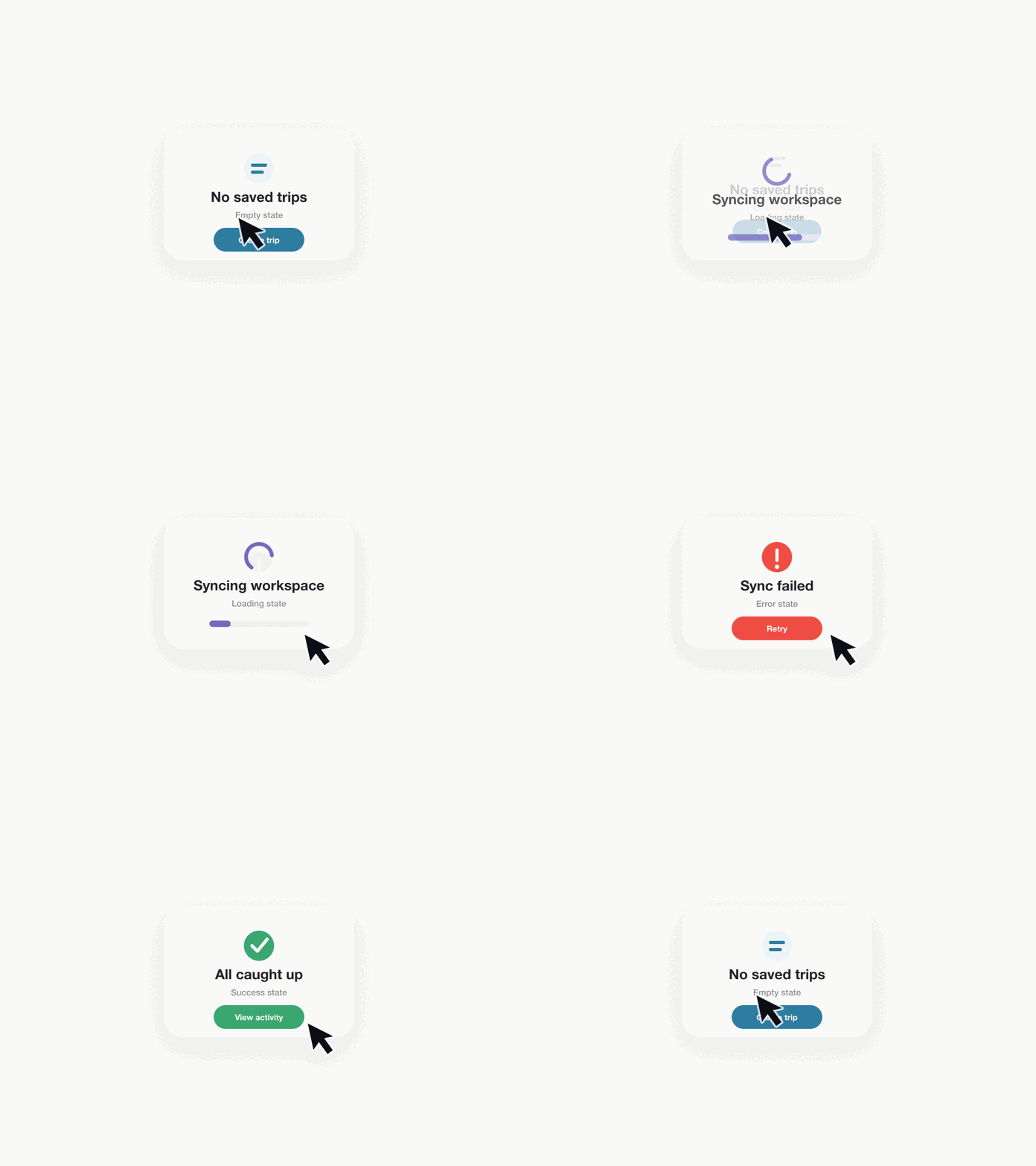
This kit gives agents a default state surface for the screens they usually leave unfinished. Use it for empty data, loading work, recoverable errors, success confirmations, offline mode, and disabled feature states.
Variants
minimal- title, message, action.standard- icon, explanation, action, details.premium- richer visual container for important flows.dense- small panel for list and dashboard contexts.accessibility-first- explicit labels and long-form recovery copy.
States
emptyloadingerrorsuccessoffline
Apple contracts
- Use accessible state labels.
- Give the user a recoverable next action when one exists.
- Keep raw technical details out of user-facing errors.
- Treat offline as a first-class state.
Machine-readable Ship Kit Contract
{
  "backlogId": "FDB-005",
  "rank": 5,
  "package": "@axint/app-state-panel-view",
  "variants": ["minimal", "standard", "premium", "dense", "accessibility-first"],
  "states": ["empty", "loading", "error", "success", "offline"],
  "demo": "media/demo.gif",
  "diagnostics": ["AX850", "AX855"]
}
Agent prompt
Install @axint/app-state-panel-view for any feature that can be empty, loading, failed, offline, disabled, or complete. Fill the visible copy from the host feature and keep raw technical errors in diagnostics, not in the UI.
License
Apache-2.0