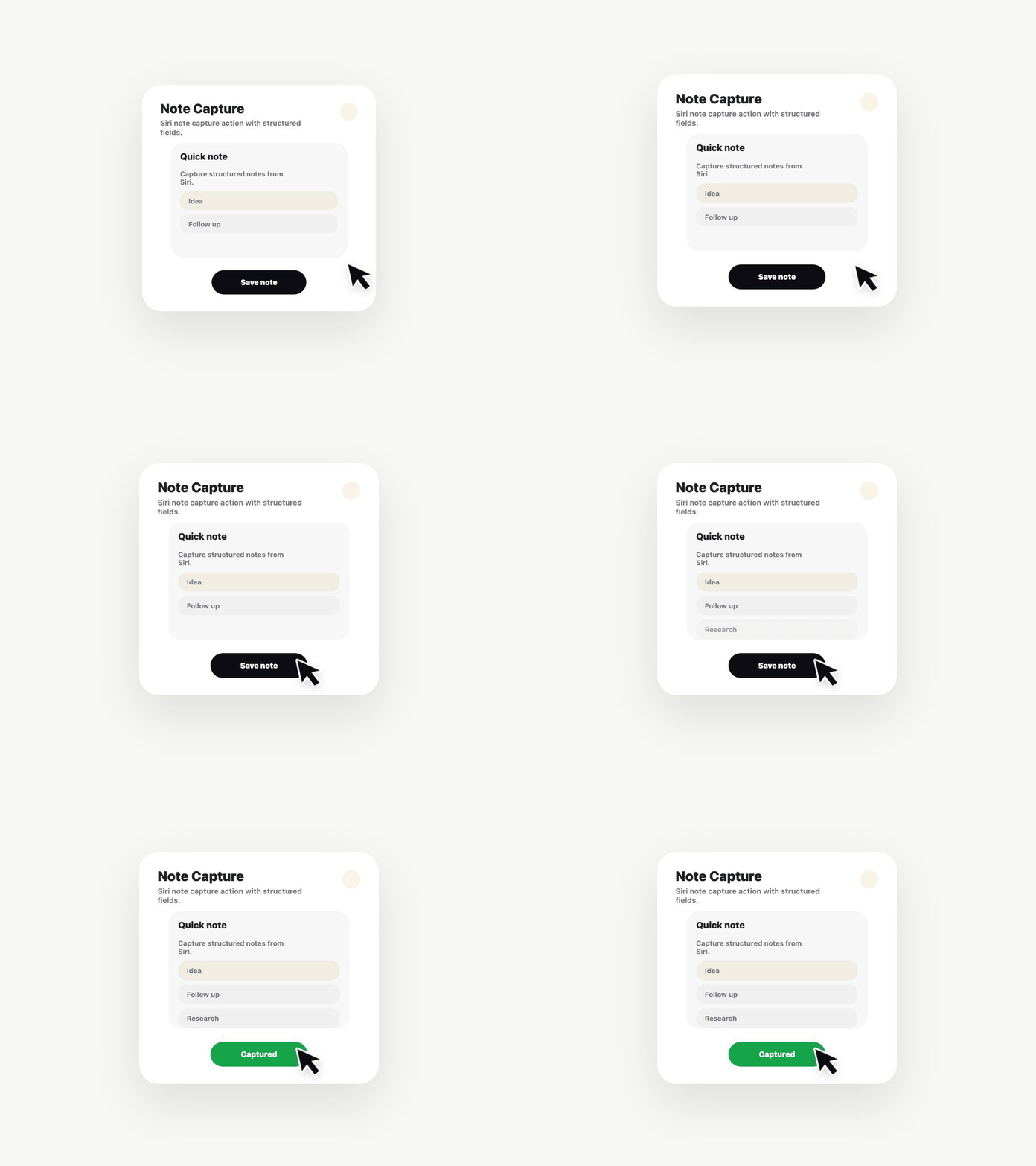
@axint/note-capture
An App Intent for capturing a quick note from Siri or Shortcuts.
axint add @axint/note-capture
What it does
Takes a note body (required), an optional title, a destination folder (defaults to Inbox), and comma-separated tags. Returns a synthetic id plus normalized fields. The intent validates that the body isn't empty before your host app touches storage.
What you get
Compiling through Axint produces CaptureNote.swift with:
body,title,folder,tagsparameters typed correctly- A
perform()implementation that validates the body - Dialog phrases your host app can surface back to Siri
Storage
The template is storage-agnostic. In your host app's CaptureNote.perform(), hand the result off to your chosen store:
let stored = try await NoteStore.shared.save(
  title: result.title,
  body: result.body,
  folder: result.folder,
  tags: result.tags
)
return .result(
  dialog: IntentDialog(stringLiteral: "Saved \"\(stored.title)\"")
)
SwiftData, Core Data, CloudKit, and REST-backed stores all work the same way.
License
Apache-2.0