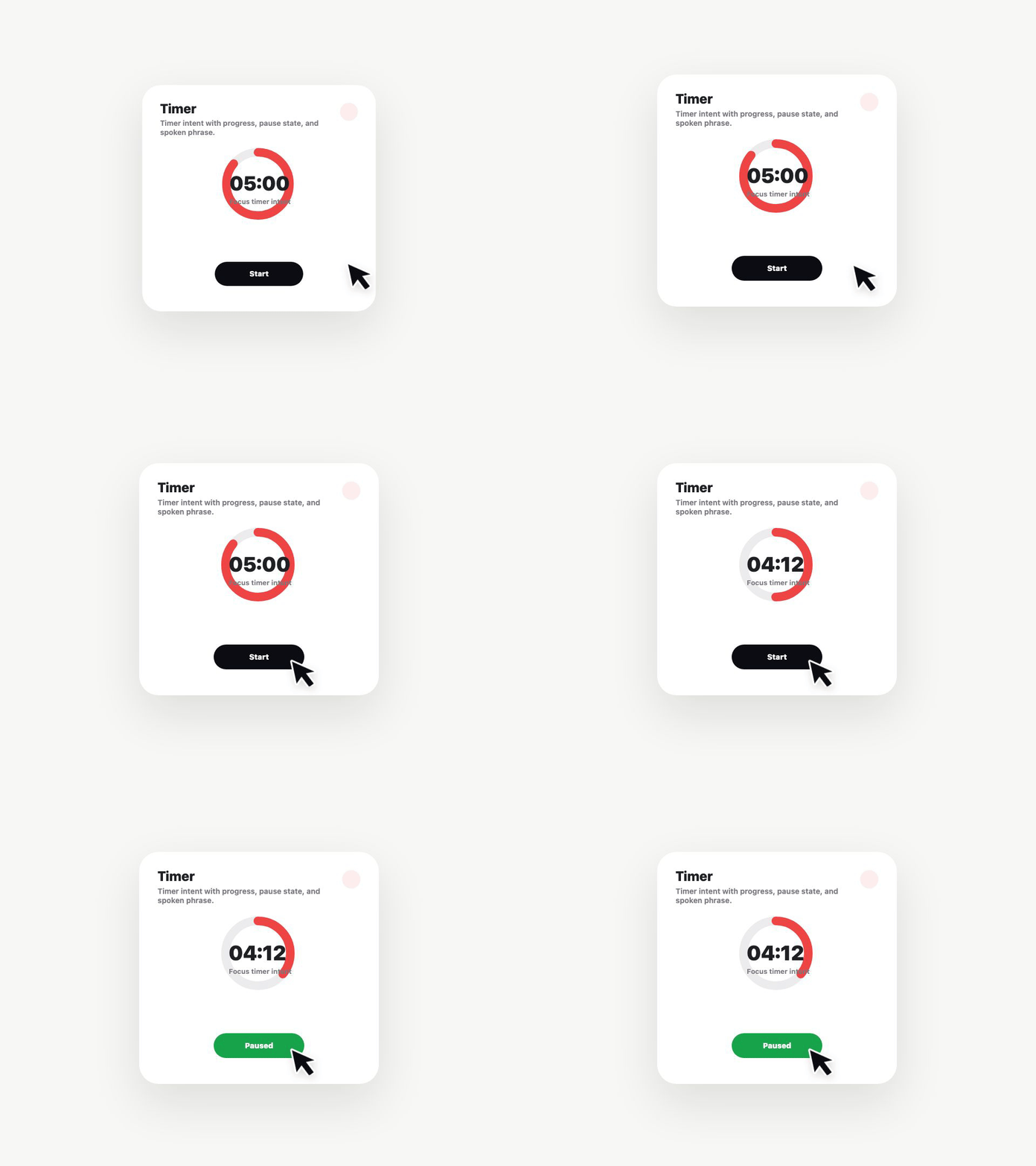
@axint/timer
An App Intent for controlling named timers. Start, stop, or cancel from Siri.
axint add @axint/timer
What you get
One App Intent with three actions:
start— schedules a new timer with the given label and durationstop— ends the named timercancel— cancels the named timer without completing
Compiling through Axint produces ControlTimer.swift with a validated action parameter, an optional label, and a durationSeconds parameter that's only consumed on start.
Wiring the timer scheduling
The intent returns the action and parameters. Your host app handles the actual scheduling — typically through UNUserNotificationCenter for user-facing timers or a Task + Timer combo for in-app flows.
func perform() async throws -> some IntentResult {
  let result = try await IntentResultsHandler.shared.controlTimer(
    action: action,
    label: label,
    durationSeconds: durationSeconds
  )
  return .result(dialog: IntentDialog(stringLiteral: result.message))
}
License
Apache-2.0